 COME
COMEAsk a Clear Question About a COME APK Source
A useful source question identifies the destination, the offered file and the exact uncertainty. Keep it separate from a payment or login issue so the relevant service can understand what you are checking.
Prepare the minimum useful facts
Record the destination host, offered version, device software and the stage you reached. Include the exact message if Android or the browser displayed one. If you have not installed the file, say that clearly rather than describing an app failure.
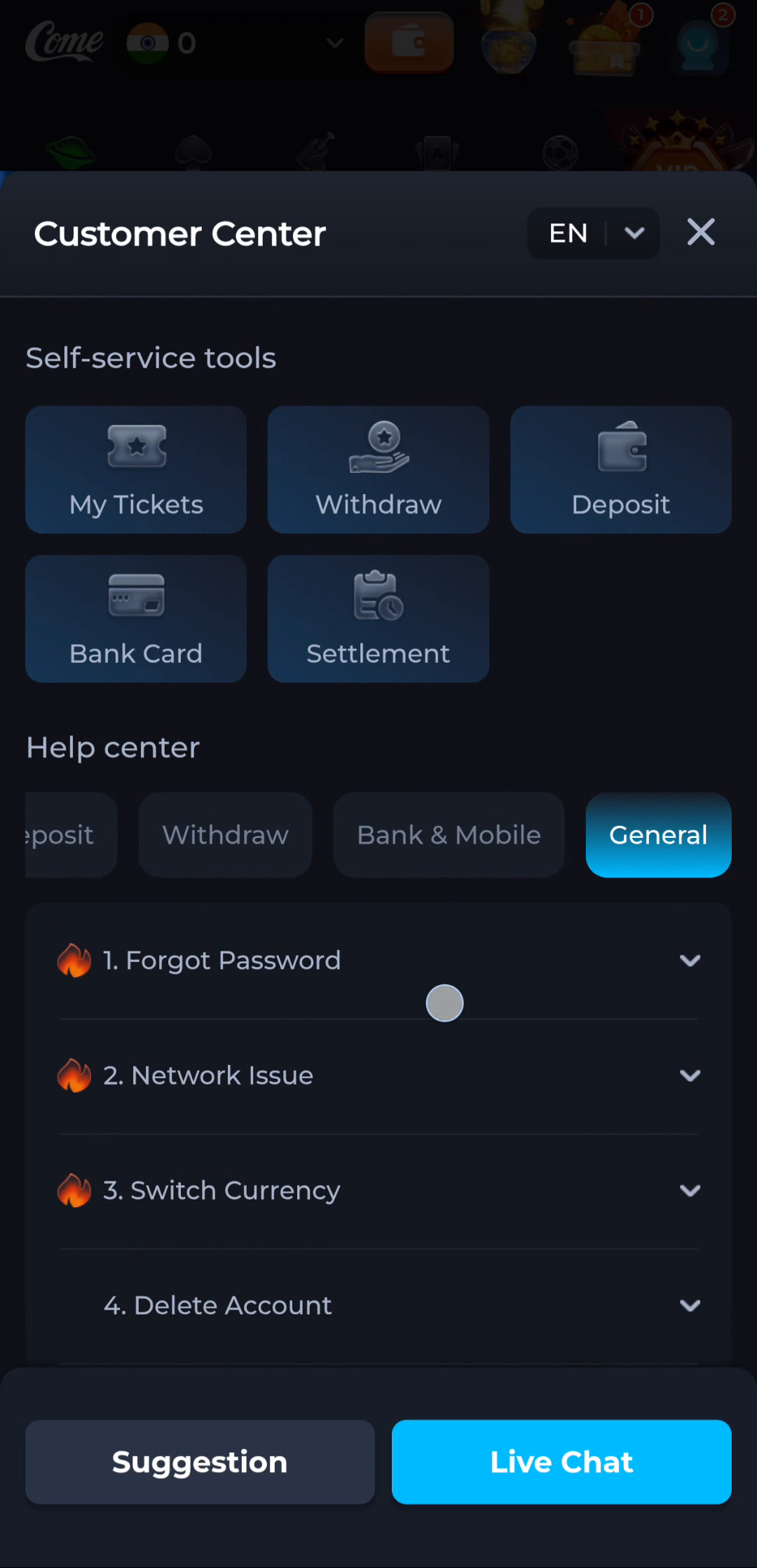
Use the matching help area
The help interface groups different topics. A general question about obtaining or updating software should be described with the source and file details, while account-specific activity belongs with the account service. Follow the contact options actually shown on the current destination.
Keep sensitive details out
Do not include passwords, verification codes, UPI PINs or complete payment details. If an address contains an account session parameter, avoid sharing the entire address. A concise account-free description usually explains a file question more clearly than an unfiltered screenshot.
A useful next step
Return to the download route when the source question is resolved. Keep the current installed app intact while assessing an uncertain file.